Checks before export
Resolve blocking findings and review warnings before creating the package.
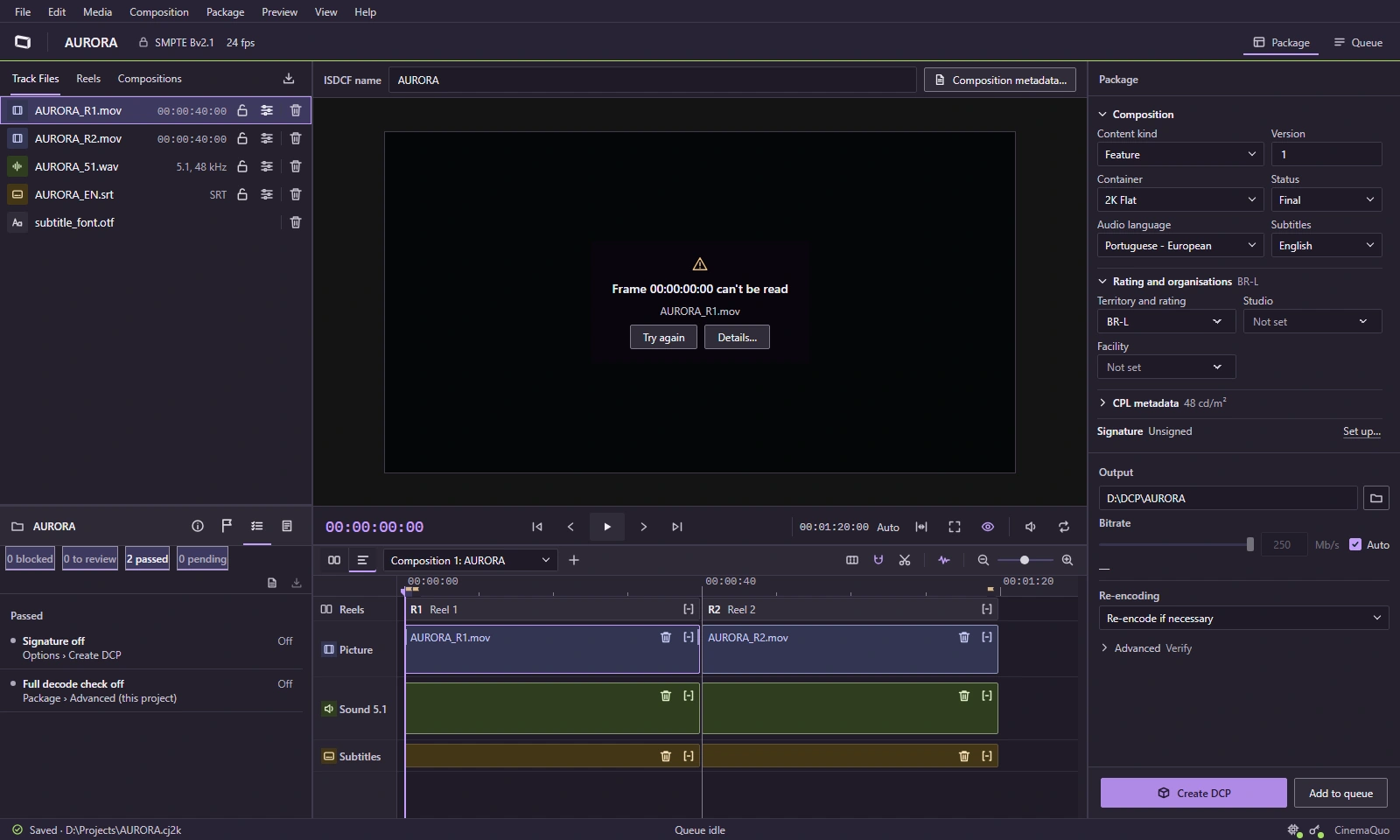
Run the checks
- Save the project. Press F7 to check all masters.
- Open Checks with F8 or the inspector button.
- Read each row’s Check, Measured and Result.
- Use the row’s action to correct the issue, then check again. Details… opens the full reason.
Read the groups
| Group | Action |
|---|---|
| Blocks Create DCP | Correct the issue before export. |
| To review | Inspect the affected section and decide deliberately. |
| Passed | This check passed for the inspected material. |
| At Create DCP | This check will run during creation; it has not passed yet. |
A previous package’s result and the current project’s readiness describe different things. Read which project or output a finding belongs to.
Review before you continue
Missing media, fonts and required fields need correction. Overlapping subtitles or a naming warning need review. If creation offers Review first and Create anyway, return to the affected item first. Choosing to continue does not correct it.