The export queue
Submit jobs, manage waiting work and recover from a held queue.
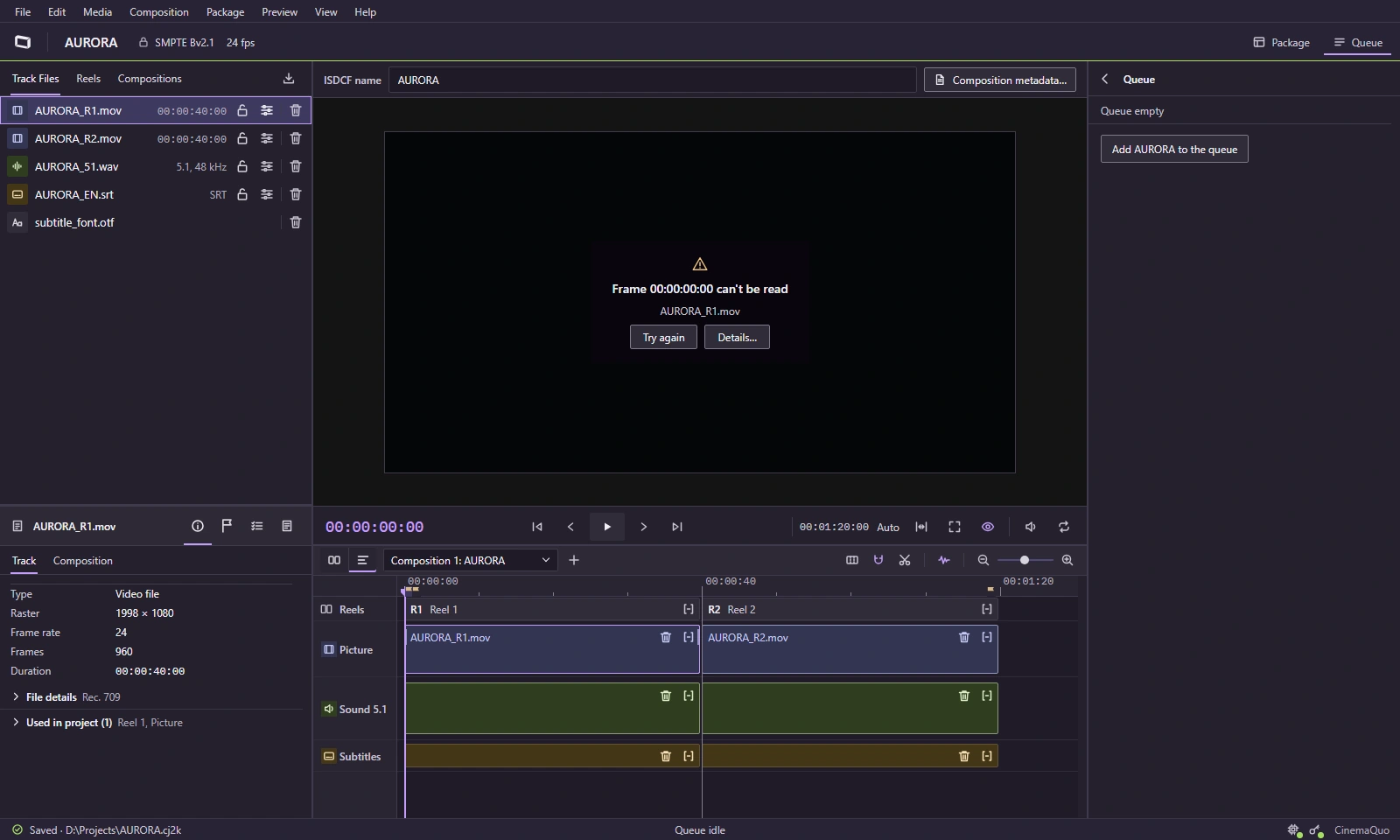
Add a job
- Prepare and save the project.
- Choose Add to queue or Ctrl+Shift+Enter. The queued job keeps the settings submitted with it.
- Open Queue with Ctrl+Shift+Q to inspect waiting and completed work.
- If nothing is running, the new job waits in a paused queue. Check the list and the destination, then choose Resume.
Manage waiting jobs
Use Move up and Move down to change a waiting job’s order, or Remove to take it out of the queue. Clear waiting jobs… asks for confirmation before clearing the waiting list.
If the queue is held for disk space, free room or use Move waiting jobs… to choose another destination, then Resume. Resume anyway continues although the Studio could not measure the free space. Use it only if you know the disk has room.
Stop or retry
Stop… asks whether to Keep running or Stop. After a stop or failure, read the Log and the offered action. Create DCP again starts again from the first frame. Do not treat partial output as a finished DCP.
During the final decode check, stopping is unavailable because the package has already been written. Read that check’s result before delivery.