Composition markers
Mark programme positions and check their placement.
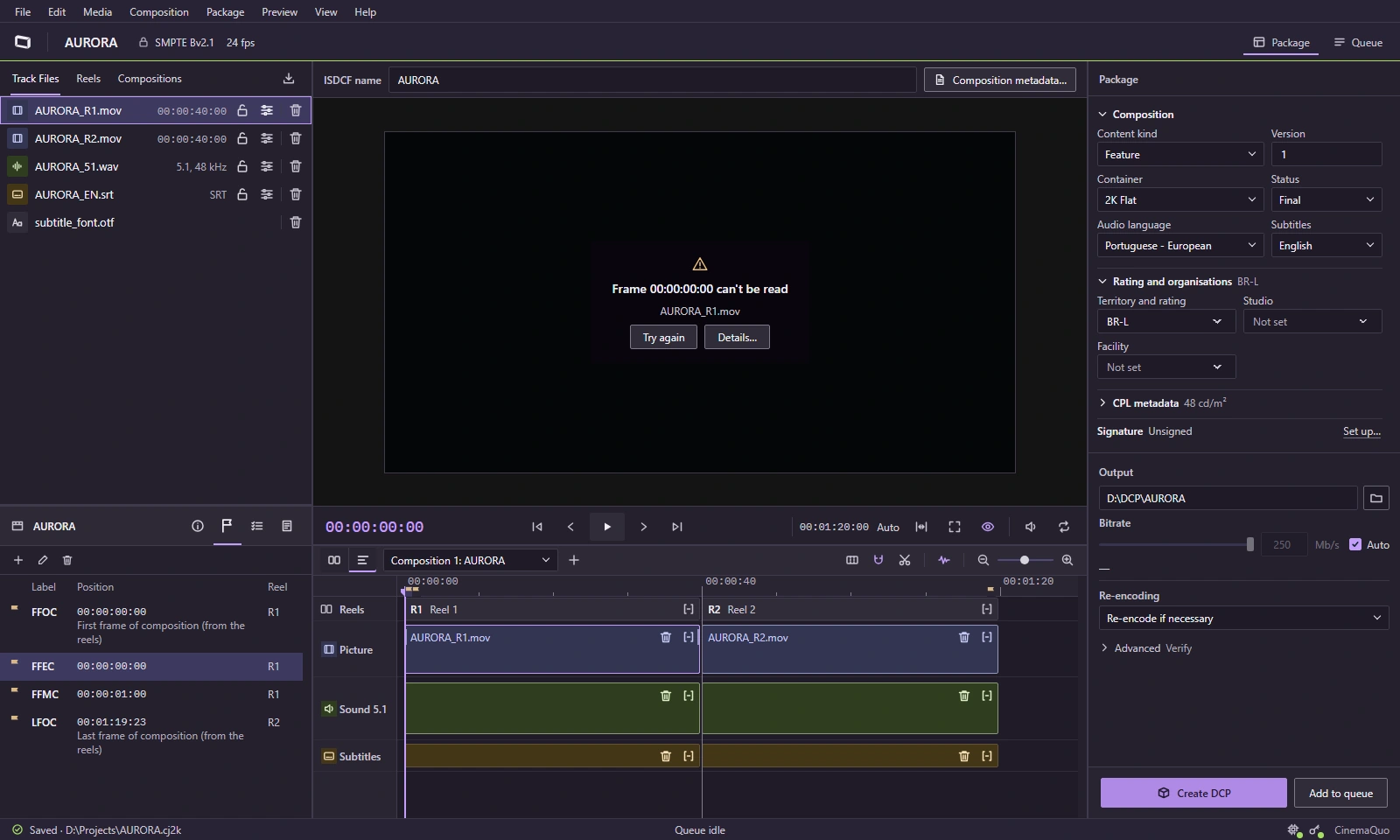
Add a marker
- Select the composition and place the playhead at the desired frame.
- Open Composition markers in the inspector and add a marker, or press M if single-key shortcuts are enabled.
- Choose Label, set Position or use Playhead, and add an Annotation if needed.
- Apply, then select the marker in the list to check its position.
Review after editing
The list shows label, position and reel. The Label list shows each code with its meaning, for example FFEC, First frame of end credits; a label already used is marked placed. FFOC and LFOC, the first and last frame of the composition, come from the reels and cannot be removed. If Checks reports a missing marker, use the action on that row, then confirm the position against the film. Check again after trimming, splitting or changing the composition.