Open and play a DCP
Open a completed package for viewing without editing it.
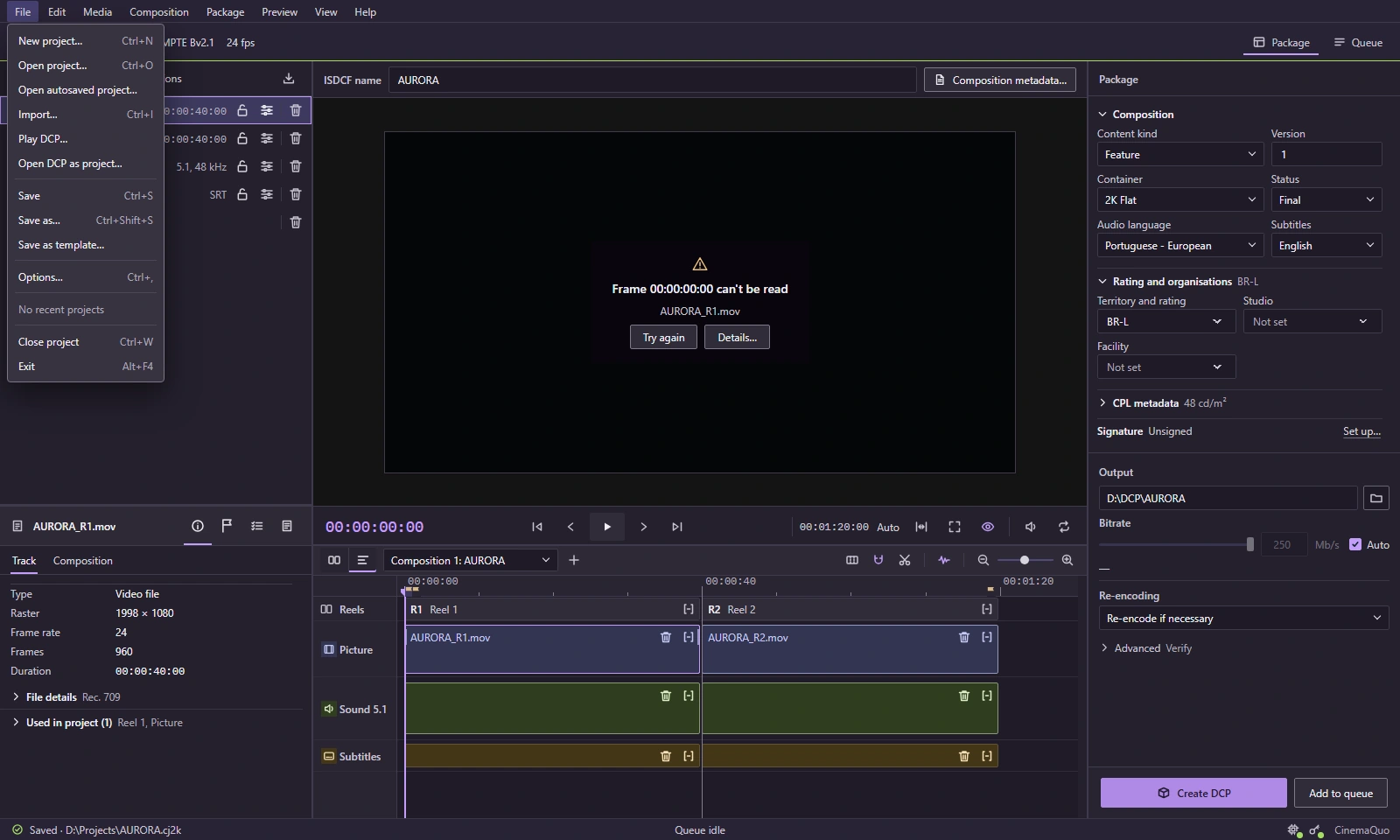
Open for playback
- Choose File → Play DCP… and select the package folder.
- Select the composition if the package has more than one.
- Use playback, frame stepping and timecode to review picture, sound, subtitles and reel joins.
- For a version that depends on an original package, use File → Add OV… and select that original folder.
Understand viewing mode
Playback is read-only: editing, project saving and Create DCP are unavailable. To edit an existing package, use Open DCP as project.
The preview decode-size choice changes the viewer only. Preview display conversion also affects viewing, not the written package. Save frame… saves a PNG when available; it is unavailable for encrypted playback.
To check the package files and frames, use Verify a DCP.